
What Does the Lock Mean on Snapchat? Full Explained 2026
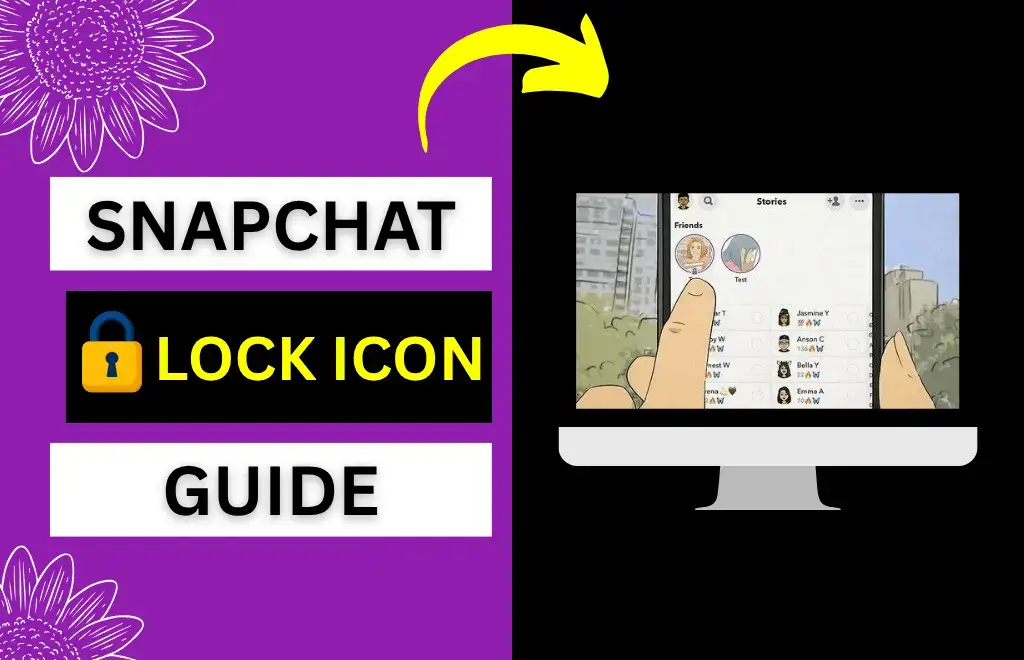
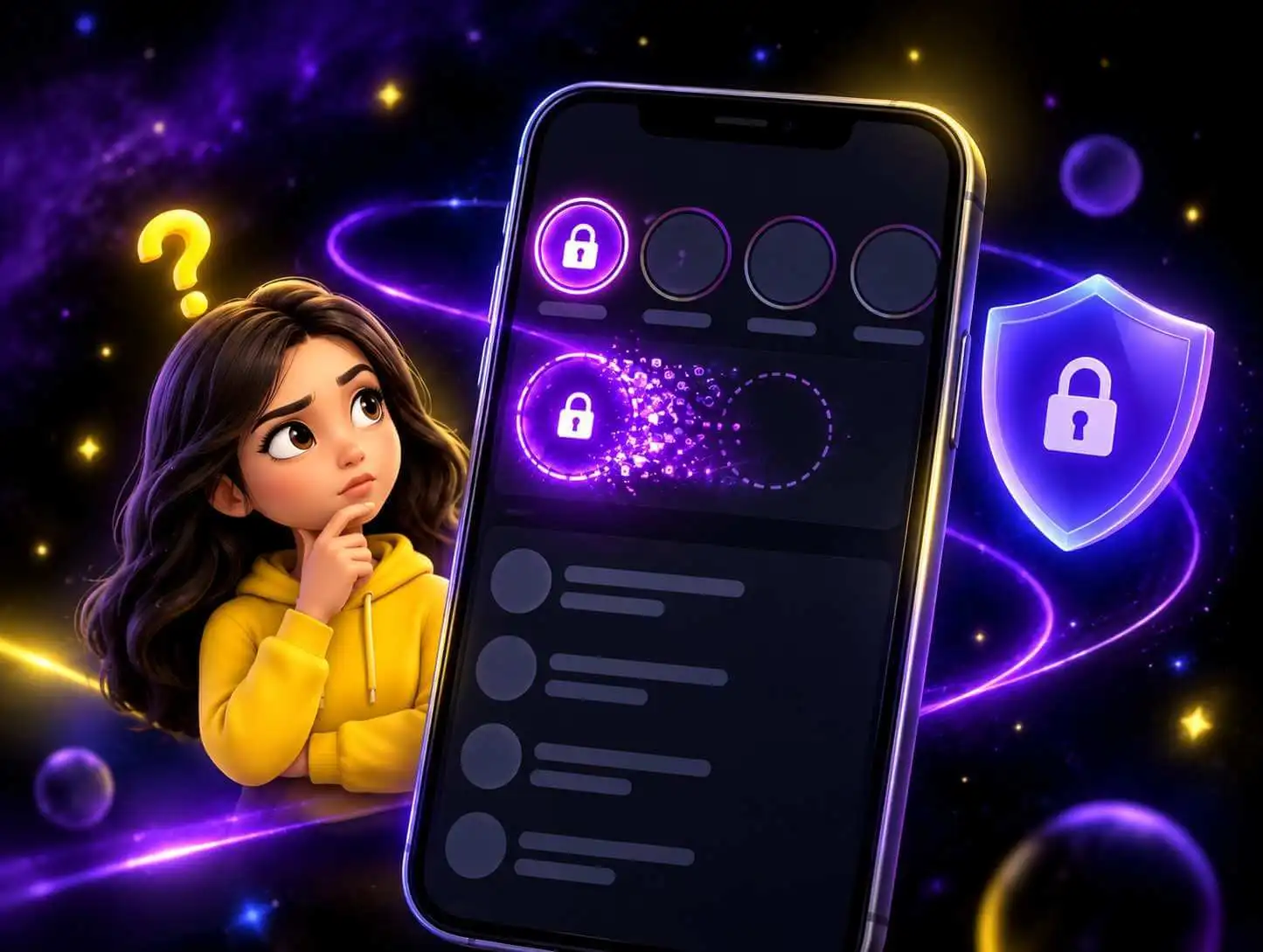
Do you think the purple lock next to your friend’s name under the Stories section means they have blocked you? No, it’s not. This Snapchat lock is a type of indicator that shows that the person has posted a private story and has allowed you to view it. If you see this icon, you should feel honored because that person manually searched your name and added you to the viewer list.
This article covers all the confusion people have about the lock icon on Snapchat. From answering your question about what does the lock mean on Snapchat to showing you how to create a private story, this guide covers it all. Whether you’re curious about what the lock icon represents or want to share your Snaps with a select group of friends, you’ll find all the answers right here.
What Does the Lock Mean on Snapchat?
Why Does the Lock Appear on Snapchat Stories?
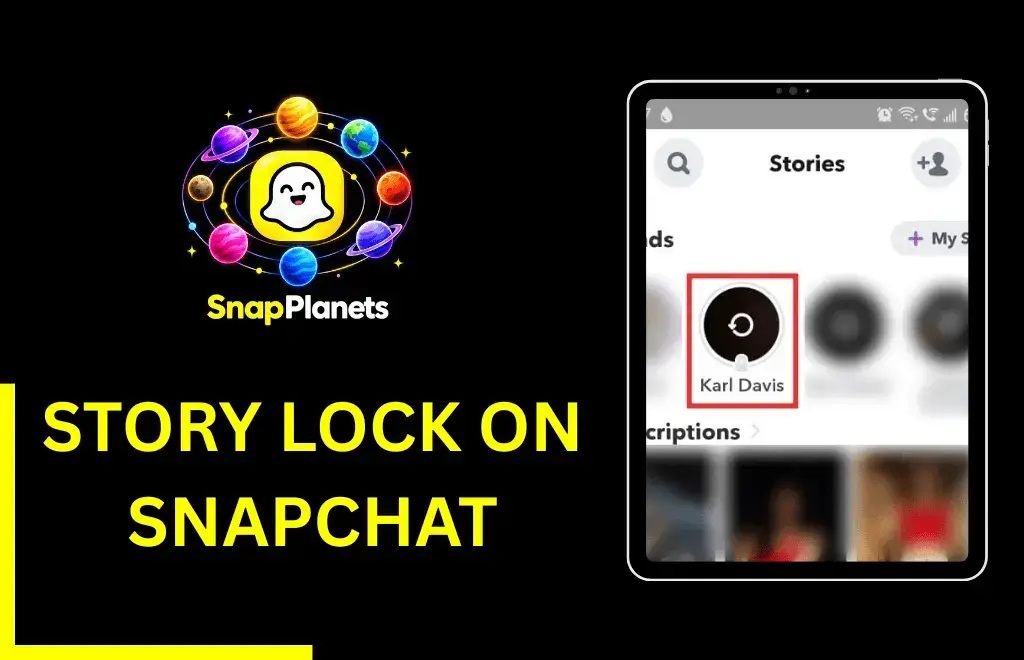
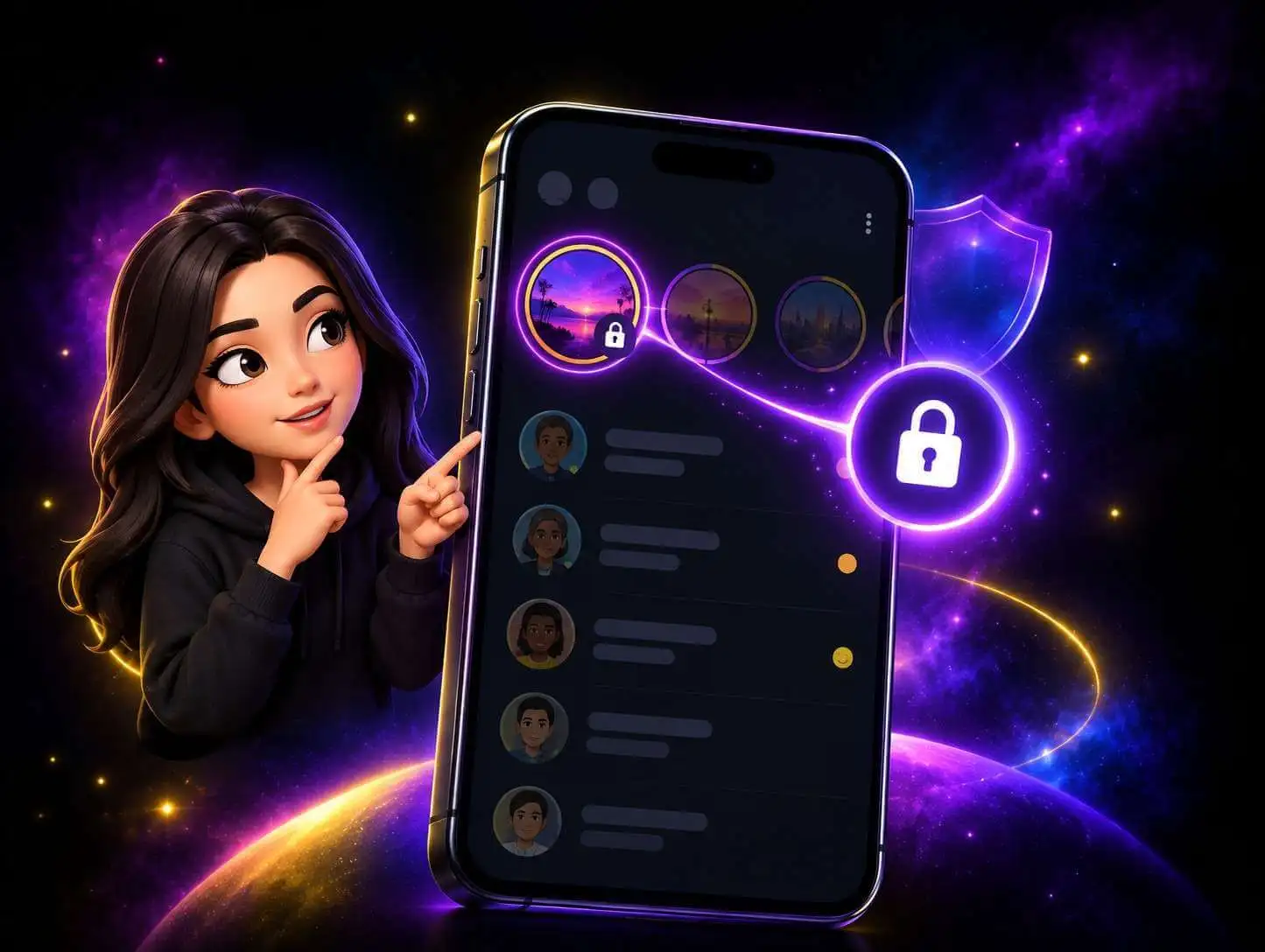
The purple lock on Snapchat appears only for private stories. Snapchat stories are always public, so you have to create a custom story for specific people. Once you post a private story, it’ll have a purple 🔒 lock, which turns gray on someone’s profile when they see it. The lock icon isn’t the only symbol Snapchat uses; it has many icons and emojis, each with its own meaning.
Can I See Stories With the 🔒 on them?
Yes, you can see stories with the lock because your friend has allowed you to see them. The story won’t even appear in the feed if you weren’t chosen, so you should feel honored.
Why Would Someone Make a Story Private?
Creating a private story helps users keep certain information safe. If you’ve added a random person on Snapchat and want to share something personal, you can create a custom private story. Similarly, it’s also helpful when you want a specific group of friends at a party and don’t want others to see it.
Plus, creating a private story is much faster than sending snaps individually. Although sending snaps isn’t that time-consuming, private stories streamline the whole process. For example, after you create a private story, you can see who viewed it in alphabetical order. However, when sending snaps, your friend list is organized by streaks, which can be confusing to sort through
How Do You Make a Snapchat Story Private?
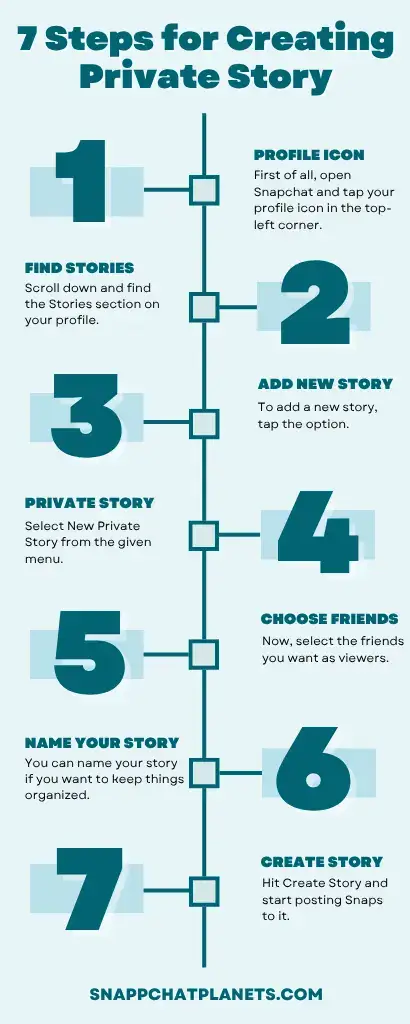
- First of all, open Snapchat and tap your profile icon in the top-left corner.
- Scroll down and find the Stories section on your profile.
- To add a new story, tap the option.
- Select New Private Story from the given menu.
- Now, select the friends you want as viewers.
- You can name your story if you want to keep things organized.
- Hit Create Story and start posting Snaps to it.
Does the Lock Mean Someone Blocked You?
Meanwhile, the private story lock means the opposite: your friend has specifically invited you to view their content. If you were blocked, you wouldn’t see the story at all.
What Do the Other Icons on the Chat Screen Mean?
The purple lock on a private story means a new story has been added that you’ve not watched yet. The purple color follows Snapchat’s general color system for the Stories section and appears only for new and unviewed content. If you see a purple lock on a story, it means a new private story is waiting for you; once you watch it, the purple lock will change to gray.
What Does the Gray Lock Mean on Snapchat?
The gray lock on a private story represents that you’ve already viewed that story. This color shift helps distinguish new and viewed content. Snapchat uses this color shift all over the app to help users identify what is seen and what’s not.
Why is the Lock Sometimes Blue?
You may also see the lock on a private story as blue rather than purple. The blue lock appears when you view the same private story from the chat tab instead of the story section. Snapchat uses a blue color scheme for the chat section and a purple color for the stories section. So, the lock color depends on where you’re in the app, but the meaning stays the same.
Where Does the Lock Icon Appear on Snapchat?
Snapchat Stories Feed
The lock most commonly appears on the Snapchat Stories tab or Discover feed. If you see a small padlock next to a private story in the Stories section, it means the user posted a story with limited access; not everyone can view it.
Inside a Friend’s Profile
Some users have also reported that the lock appears inside the friend’s profile. This indicates that the content linked to that profile is shared with limited visibility.
Private Story vs Normal Story
Below is the table showcasing the difference between a private story and a normal story:
Feature | Normal Story | Private Story |
Who can view it? | All friends | For selected viewers only |
Lock icon shown? | No | Yes |
Others notified if excluded? | Yes | No |
Creator controls viewer list? | No | Yes |
Max stories at one time | Unlimited | 20 |
Private Story vs Custom Story
Private stories are created to share content with one person. A custom story is created for a group to share interests together. The lock icon is only used for private stories, not custom stories.
Feature | Private Story | Custom Story |
Selected viewers | Yes | Yes |
Multiple contributors | No | Yes |
Creator control | Complete control | Shared participation |
Best for | Personal updates | Group events |
Private Story vs My Eyes Only
Although Private Story and My Eyes Only share one thing, privacy, they work completely differently on Snapchat. Private Story is shared content but only for chosen people. However, My Eyes Only is personal storage on your own device. A passcode you set protects it, so no one can access it, even if they pick up your phone without telling you.
Feature | Private Story | My Eyes Only |
Shared with friends? | Yes | No |
Visible to others? | Selected viewers | Only you |
Passcode required? | No | Yes |
Purpose | Sharing content | Storing content on your own device |
How to Edit or Manage a Private Story
To add a new viewer, simply navigate to the story settings and select the option to edit viewers. Choose the people you want to add and confirm. To remove an existing viewer, go to the same settings and uncheck their name. They will be removed from the private story settings without getting any notification and won’t see any future updates related to private stories.
How Do You Know If You Were Removed From a Private Story?
There is no confirmed way to check whether you’ve been removed from a private story because Snapchat doesn’t notify you or give you any indication when someone removes you. However, the private story will stop appearing in your feed. If a locked story you viewed suddenly disappears, that could be a sign. It could also mean that the creator has deleted the story. Another sign is when your friends mention updates to the story that you cannot see, but there is no sure way to confirm.
How to Leave Someone’s Private Story
Snapchat doesn’t let you opt out of the list where the creator selected your name to watch their private story. You don’t control it; only the creator can edit who stays on that list. However, if you don’t want to see their private stories, you can simply mute their stories, hide their content from your feed, or remove them as a friend. Muting is usually recommended, as it doesn’t affect your friendship.
Common Lock Icon Problems and How to Fix Them
- If the lock suddenly appears on a story that didn’t have it before, it means the story was changed from public to private.
- If the lock no longer shows what it used to, it means the opposite: the creator changed the story settings from private to public.
- If you can’t open the locked story, check your internet connection, update the app, and restart Snapchat.
FAQs
Conclusion
The lock icon under the stories section represents a private story. A private story is like a standard Snapchat story, but it’s only visible to selected people, not all friends. These stories are useful if you want to share personal information with a selected group without making it available to all friends on Snapchat, especially if your friend list includes random people. Now that you know what does the lock mean on Snapchat, you can easily differentiate between a private and public story.
