
What Does Time Sensitive Mean on Snapchat ( 2026 Easy Guide)
Have you put your iPhone on Focus Mode but are still receiving Snapchat notifications labeled as time-sensitive and wondering if your Snapchat account has been hacked? Well, your account is completely safe. However, time-sensitive notifications from Snapchat usually appear when you’ve enabled Do Not Disturb on your phone, and the notification cannot be ignored.
In this article, we’ve explored the nitty-gritty of time-sensitive notifications on Snapchat so you don’t worry when they appear. From answering your question of what does time sensitive mean on Snapchat to explaining what triggers that notification, this guide covers it all. We’ve also provided easy steps to turn off this feature so you don’t get bothered by these notifications, especially during sleep, work, or personal time.
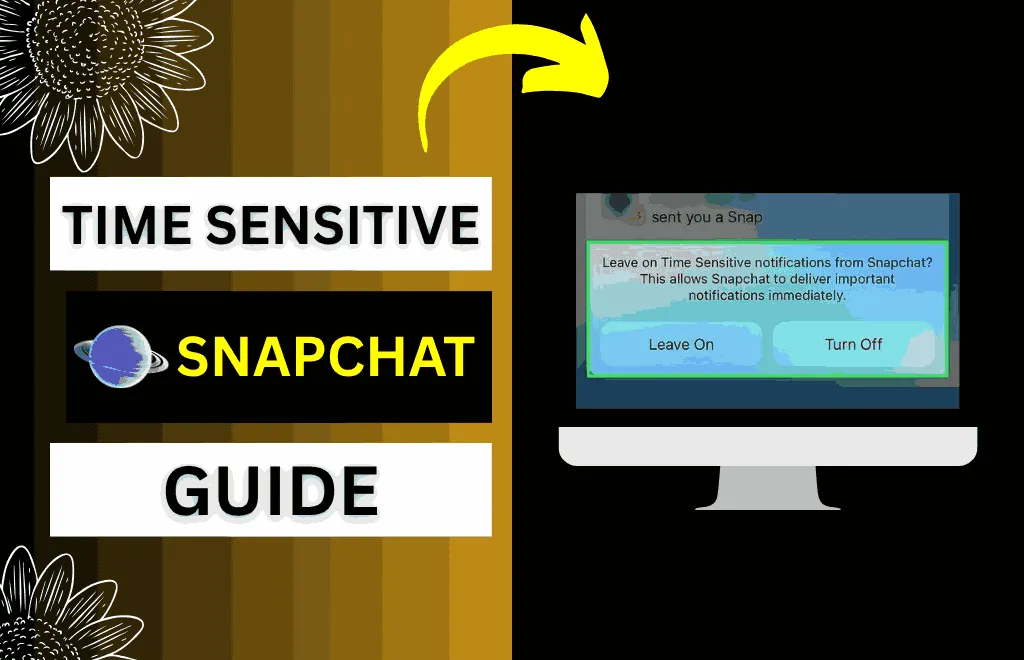
What Does Time Sensitive Mean on Snapchat?
Snapchat started using this feature after an update released in May 2023. These Time-Sensitive notifications appear only on the iOS lock screen for at least an hour. It doesn’t mean your account is hacked or that there’s unusual activity, and you can turn it off in your settings.
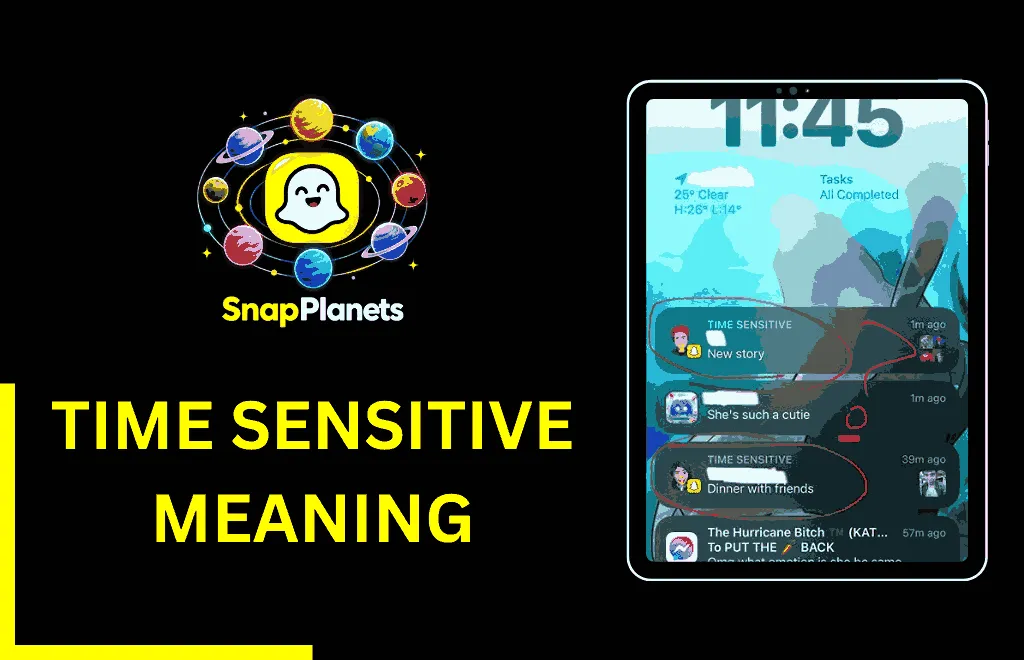
Is Time Sensitive a Snapchat Feature or an iPhone Feature?
Time-Sensitive is an iOS feature, introduced in September 2021 with the release of iOS 15. The sole reason for developing this feature was to ensure that urgent notifications could reach users even if they have kept their phones on silent. Later, Snapchat adopted this feature in May 2023 and integrated it into its notifications to prioritize specific communications.
Snapchat isn’t the only app that uses it; other apps, including Uber and Lyft, use this feature to alert you when your driver has arrived, as do delivery services that alert customers when their package is at the door.
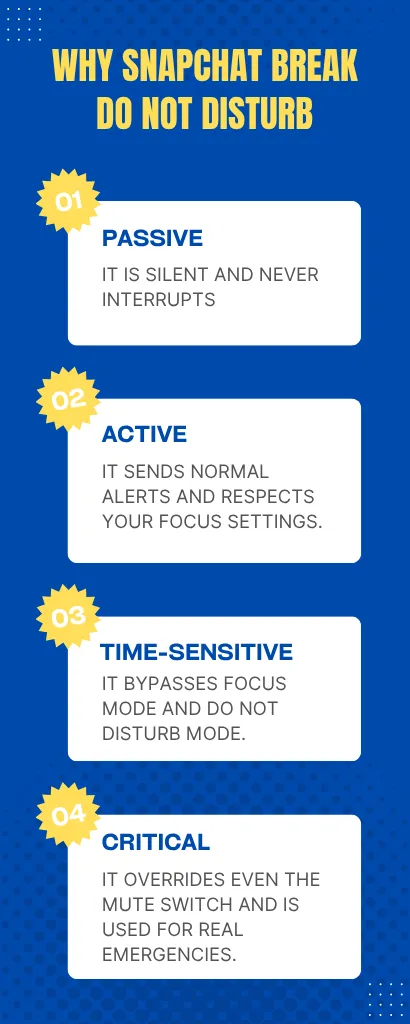
Why Does Snapchat Break Through Do Not Disturb?
- Passive: It is silent and never interrupts
- Active: It sends normal alerts and respects your Focus settings.
- Time-Sensitive: It bypasses Focus mode and Do Not Disturb mode.
- Critical: It overrides even the mute switch and is used for real emergencies.
Time-Sensitive vs Regular Snapchat Notifications
Below is the complete table featuring a comparison between time-sensitive and regular Snapchat notifications:
|
Feature |
Time Sensitive |
Regular Notification |
|
Breaks Do Not Disturb Mode |
Yes |
No |
|
Breaks Focus Mode |
Yes |
No |
|
Stays on lock screen |
At least one hour |
Clears faster |
|
User can disable it |
Through iPhone settings |
N/A |
|
Can sender control it |
No |
No |
|
Android compatibility |
No |
Yes |
|
Availability Since |
Snapchat in May 2023 |
Always |
|
Alert behavior |
Attention grabbing |
Normal delivery |
Can Your Friend Mark a Message as Time Sensitive?
No, your friend cannot mark a message as urgent on their own. Snapchat has no feature or button that lets users mark a message or snap as time-sensitive. The app and Apple’s framework automatically decide whether to label the message as urgent.
What Triggers a Time Sensitive Snapchat Notification?
- Snaps from your top 16 closest best friends and top 8 from Snapchat planets.
- Chat messages in active conversations
- Streak reminders
- Group chat activity in which you participate
- Nature of the content
- Account security messages
- Login verification request messages
- Significant feature updates
What is the Connection Between Best Friends and Time Sensitivity?
In Snapchat, messages from your best friends are time-sensitive because the app assumes these contacts matter most to you. Snapchat tracks interactions such as Snap exchanges, chat frequency, story replies, and back-and-forth communication with each person, and the people you interact with the most become your best friends. However, this best friends list updates over time based on your activity, and the user who appears on it effectively gets this label. Additionally, Snapchat Plus shows 16 best friends lists instead of the usual 8, allowing you to identify whose message might trigger this label.
How Long Does a Time-Sensitive Notification Stay on Screen?
Does Time Sensitive Mean Snapchat is Reading My Messages?
No, time-sensitive doesn’t mean Snapchat is reading your personal messages. Snap prioritizes notifications based on app behavior and message type. Snapchat classifies notifications by categories like who sent them and what type of content they are.
Does This Feature Work on Android?
Android has a similar feature, but it uses a different label. This feature is only available on iOS and works on Apple’s notification framework. Android has its own priority system, and some Android devices let certain apps bypass Do Not Disturb mode, but not with the same time-sensitive label. You’ll find this feature on Apple devices running iOS 15 or later.
How to Turn Off Time-Sensitive Notifications on Snapchat (iPhone)
- Open Settings on your phone.
- Search for the Notifications option.
- Scroll down and find Snapchat.
- Locate Time-Sensitive Notifications.
- Toggle it to turn it off.
- Now, Snapchat will not send you notifications in Focus mode. However, it’ll still give you regular Snapchat notifications.
Does This Feature Affect Privacy?
No, this feature doesn’t affect privacy because it doesn’t change message encryption, snap visibility, or who contacts you. It only changes the notification behavior. However, if you’ve enabled message previews on your iPhone, this may matter because time-sensitive notifications may show content on the lock screen that could affect privacy. You can control the message previews in Settings → Notifications → Snapchat → Show Previews.
Are Time-Sensitive Snapchat Notifications Always Actually Urgent?
Time-sensitive notifications aren’t always urgent because Snapchat can also flag a snap from a close friend as sensitive based on interaction history. This can be even more annoying because Snapchat decides what’s important and what’s not.
Should You Keep Time-Sensitive Notifications On or Off?
Whether you keep time-sensitive notifications on or off depends on how you use Snapchat even in dark mode. Turn it on if you don’t like breaking Snap streaks, want to hear from close friends quickly, and want to respond quickly. However, if you prefer to check notifications at specific times, need Focus Mode or Do Not Disturb, or don’t want interruptions during sleep, work, or personal time, turning this feature off may be a better option.
Why Does Snapchat Use a Time-Sensitive Feature?
Snapchat is built entirely on time-sensitive content. Snaps disappear, streaks require daily action, and conversations move fast. Sometimes, a delayed notification can mean missed content and broken streaks, which is why Snapchat uses Apple’s priority system to keep users in the loop.
FAQs
Conclusion
We’ve reached the end of the article, and I can confidently say that now you’re well-equipped with everything you need to know about time-sensitive notifications on Snapchat. This guide not only answered your question about what does time sensitive mean on Snapchat, but also explained the parameters that trigger a message as time-sensitive. These notifications are important messages that should be delivered even when Focus Mode is enabled on your iOS device.